
New instance
Tenant & Subscription
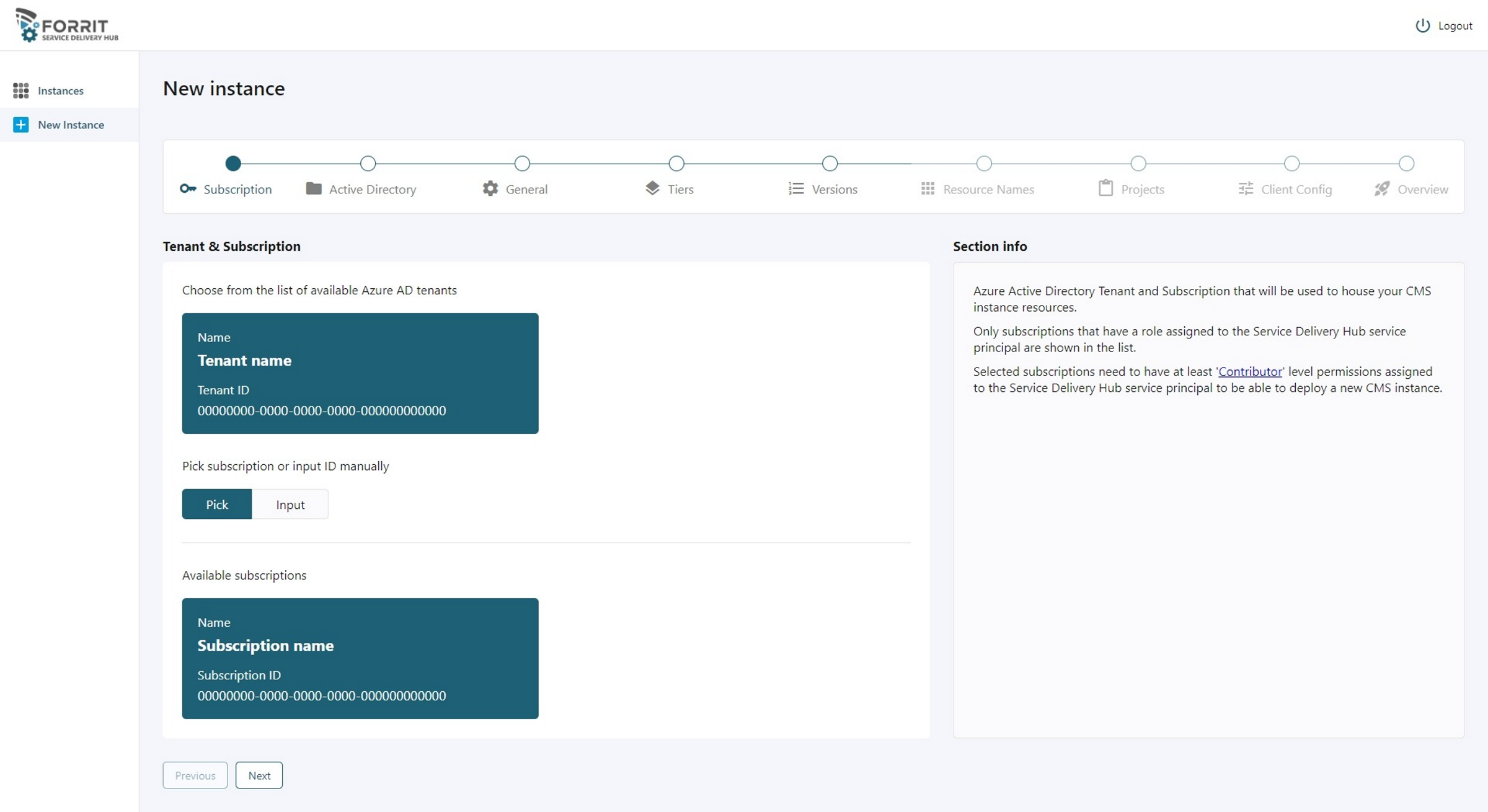
Select the tenant and subscription where to deploy a new CMS instance.
Notes/links:
Multi-tenant SDH has to be setup by Forrit.
Each tenant requires a SDH Service Principal to be created in the relevant AD and needs to have at least ‘Contributor’ access.
SDH Service principal creation guide
Active Directory
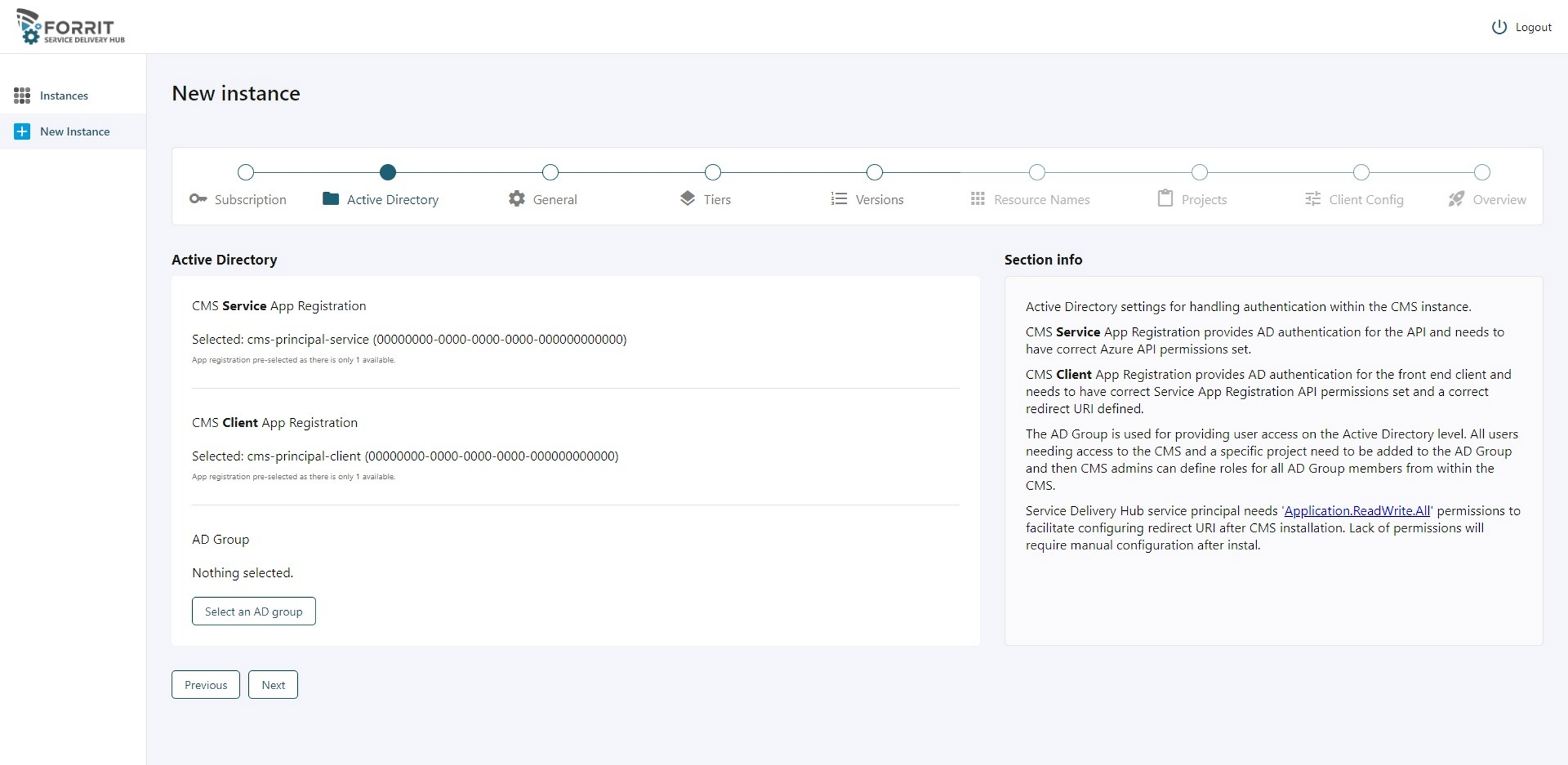
Active Directory settings for handling authentication within the CMS instance.
CMS Service App Registration provides AD authentication for the API and needs to have correct Azure API permissions set.
CMS Client App Registration provides AD authentication for the front end client and needs to have correct Service App Registration API permissions set and a correct redirect URI defined.
The AD Group is used for providing user access on the Active Directory level. All users needing access to the CMS and a specific project need to be added to the AD Group and then CMS admins can define roles for all AD Group members from within the CMS.
Service Delivery Hub service principal needs 'Application.ReadWrite.All' permissions to facilitate 'secret' creation and configuring redirect URI after CMS installation. Lack of permissions will require manual configuration after install.
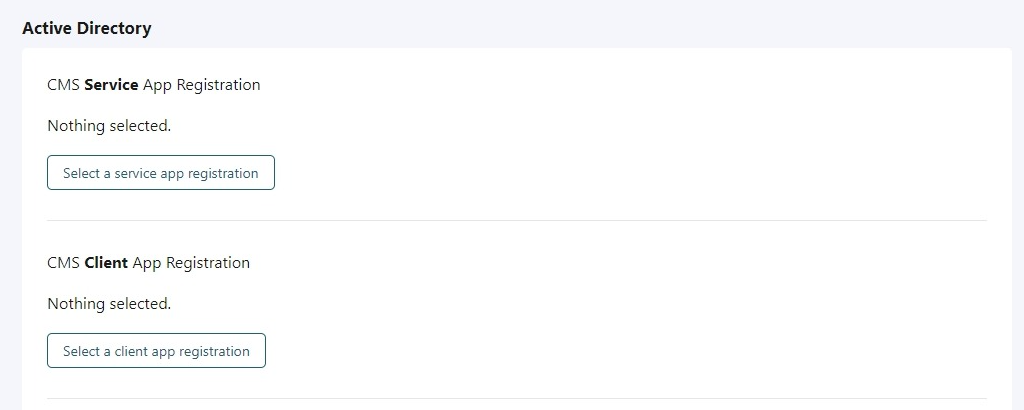
If there is no app registration available for either Service or Client, please contact Forrit to have them created.
If there is only one app registration available for either Service or Client, they will be pre-selected otherwise select one from the available list in the relevant pop-up.
Notes/links:
CMS app registration creation guide
SDH Service principal creation guide
General
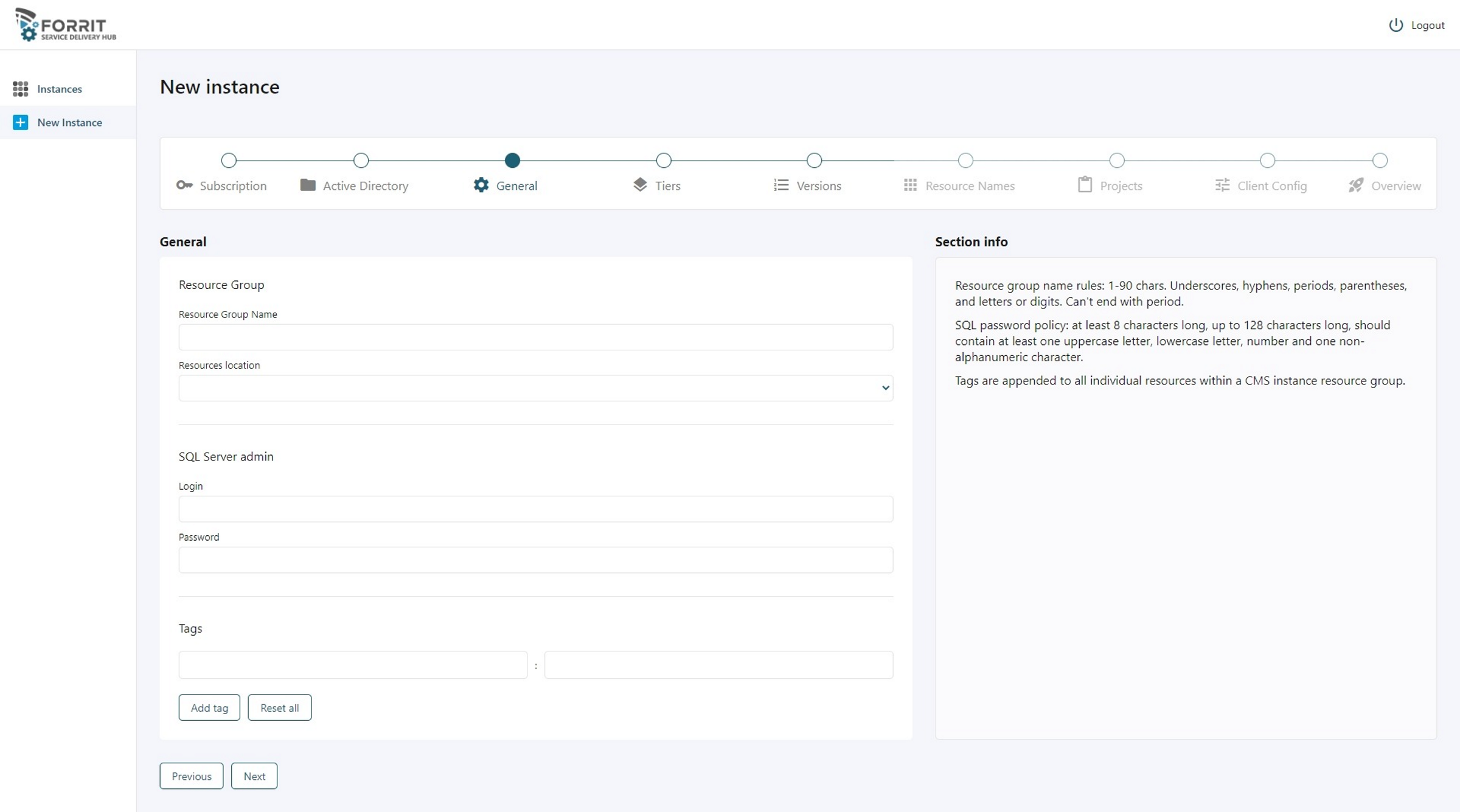
Provide resource group name that will be used for the new CMS instance. The RG should not be used for anything other than the CMS related resources.
Tags are appended to all individual resources within a CMS instance resource group.
Tiers
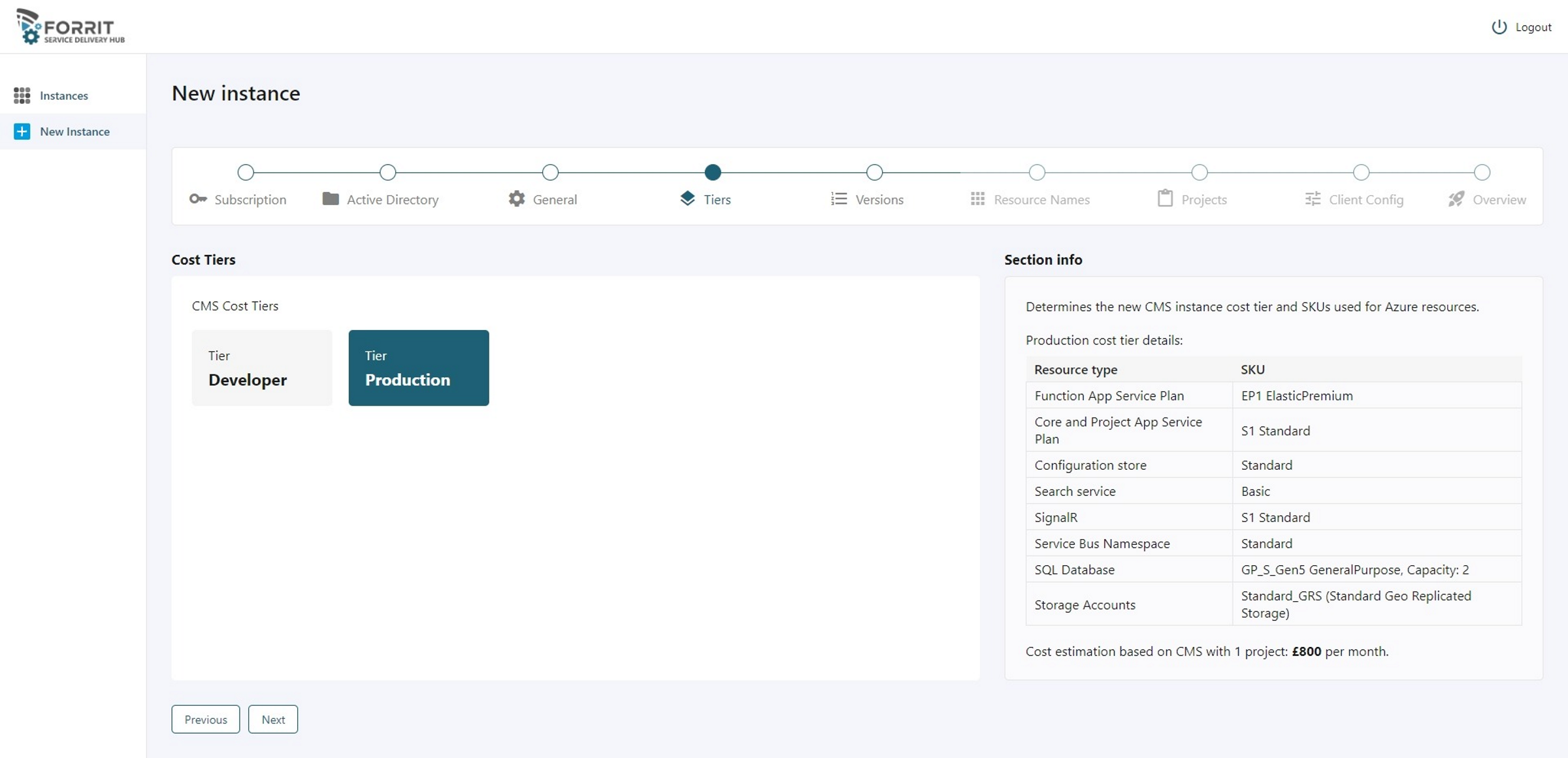
Select a CMS cost tier.
Notes/links:
Developer tier is for testing purposes only and has a subscription level quota on the Free Azure Search resource (usually only 1 is possible in a subscription).
Versions
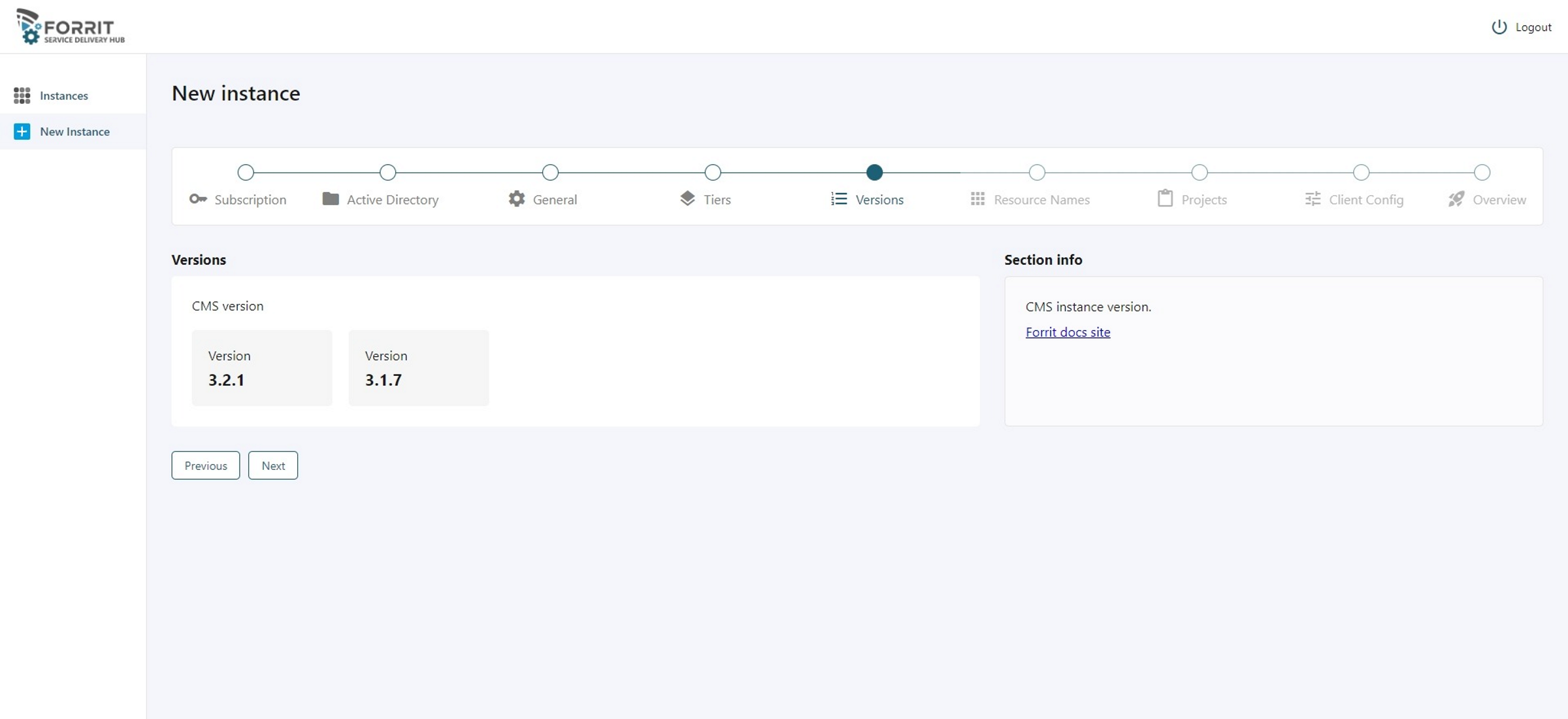
Select a CMS version. You can see release notes in the 'Section info' link for each released version.
Resource Names
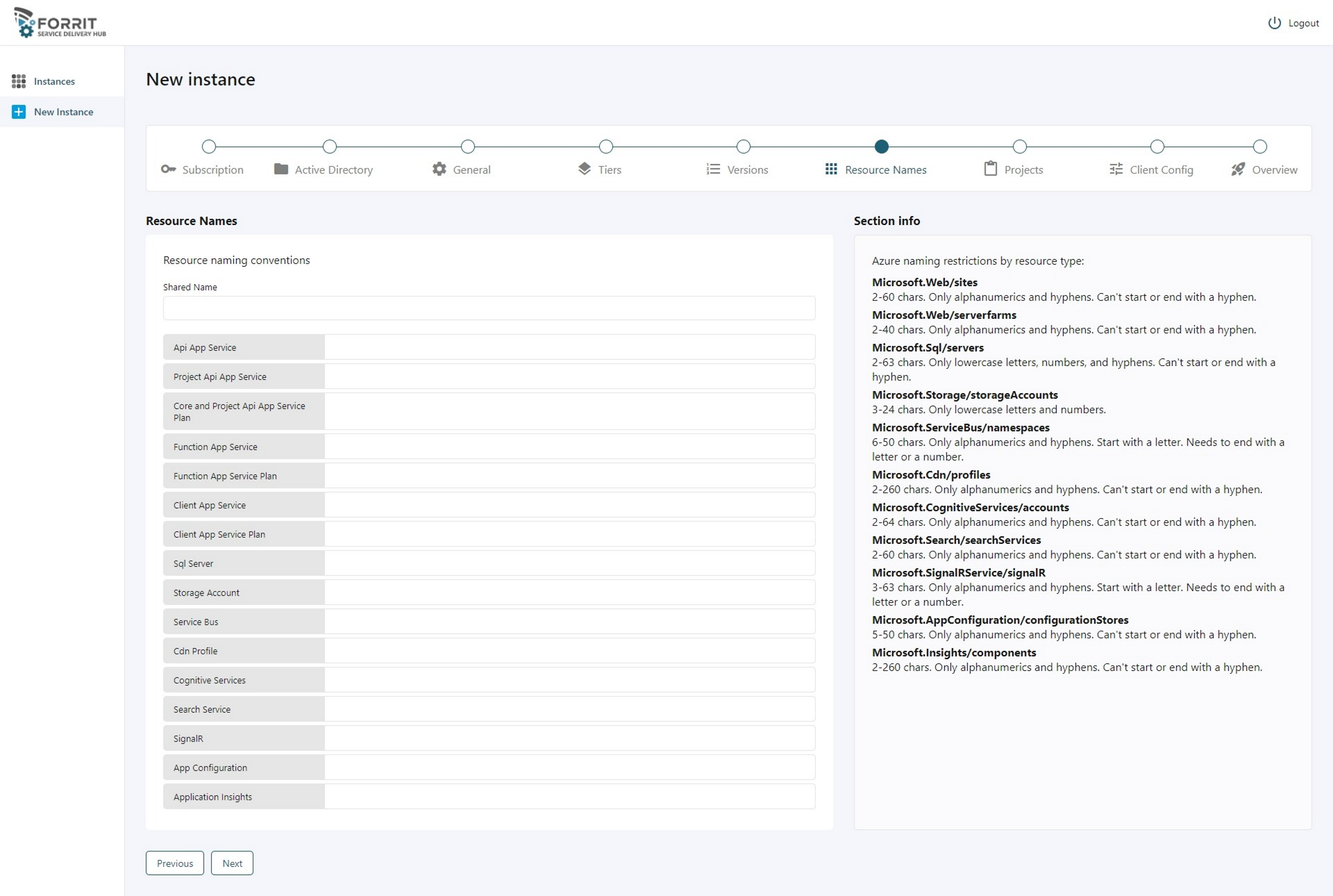
Fill in all the resource names. Resources are validated against each Azure resource naming policy and for uniqueness within RG and Azure where applicable.
Projects
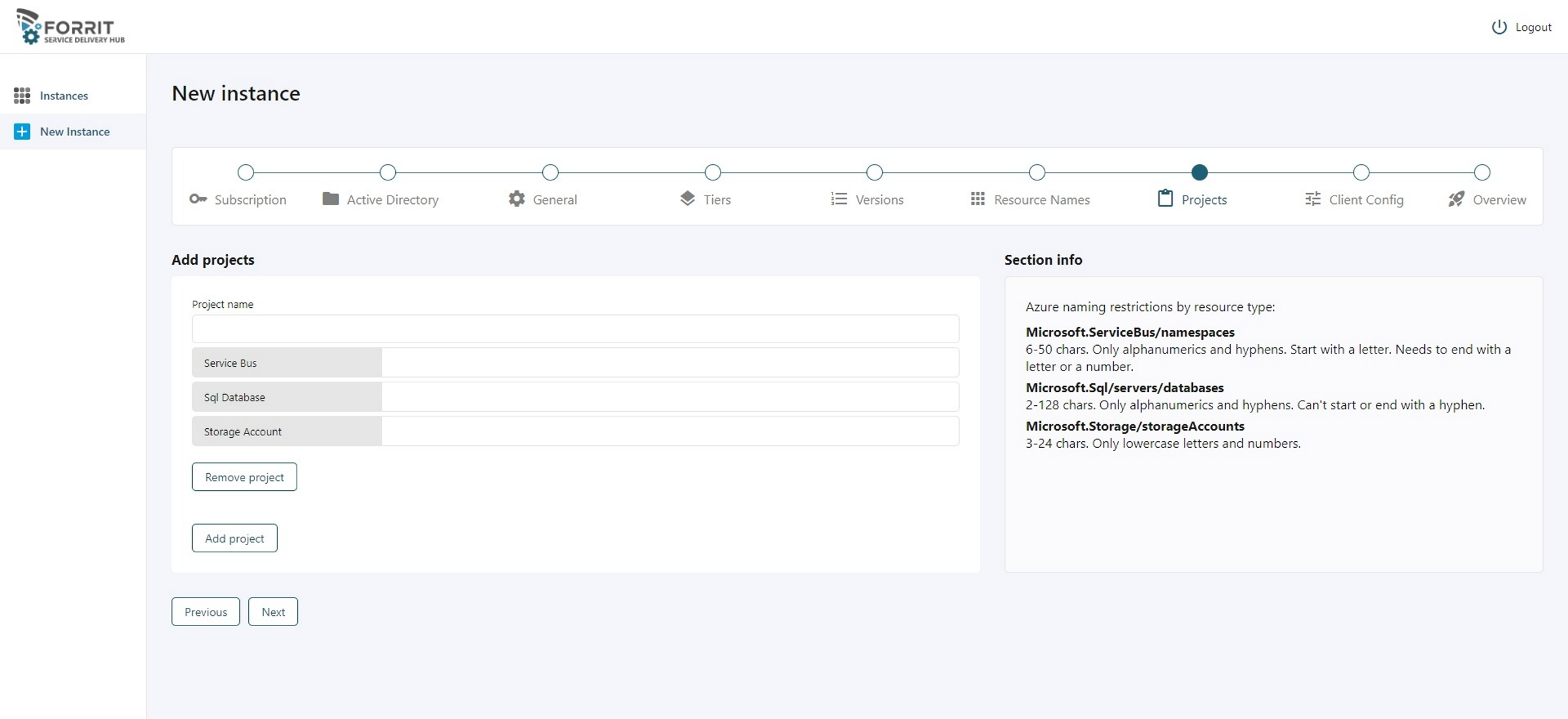
Add CMS instance projects and fill in all the resource names. There needs to be at least one for a new CMS instance and resources are validated against each Azure resource naming policy and for uniqueness within RG and Azure where applicable.
Client config
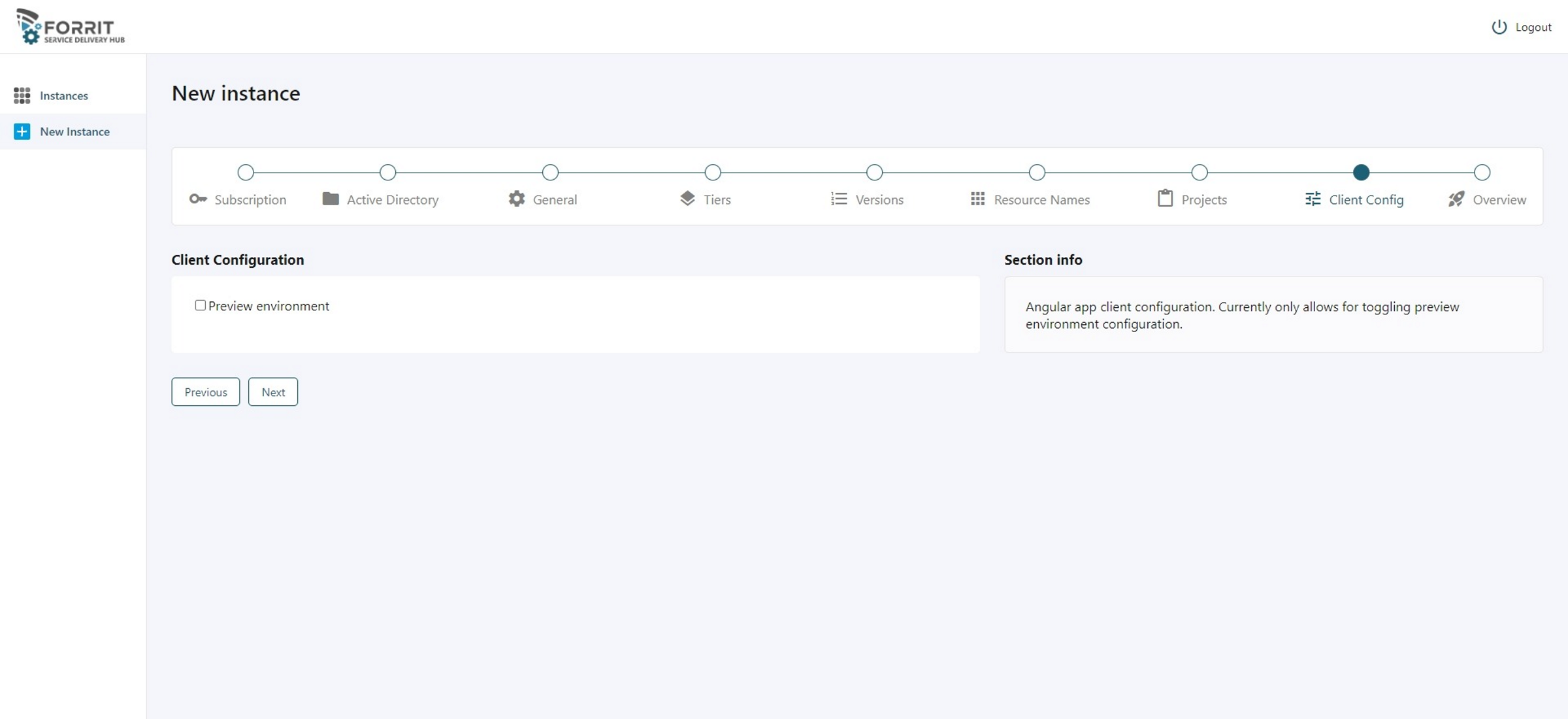
Select all available Angular app client configuration. Currently only allows for toggling “preview environment” banner in the CMS instance. More customisation will become available in future versions.
Overview
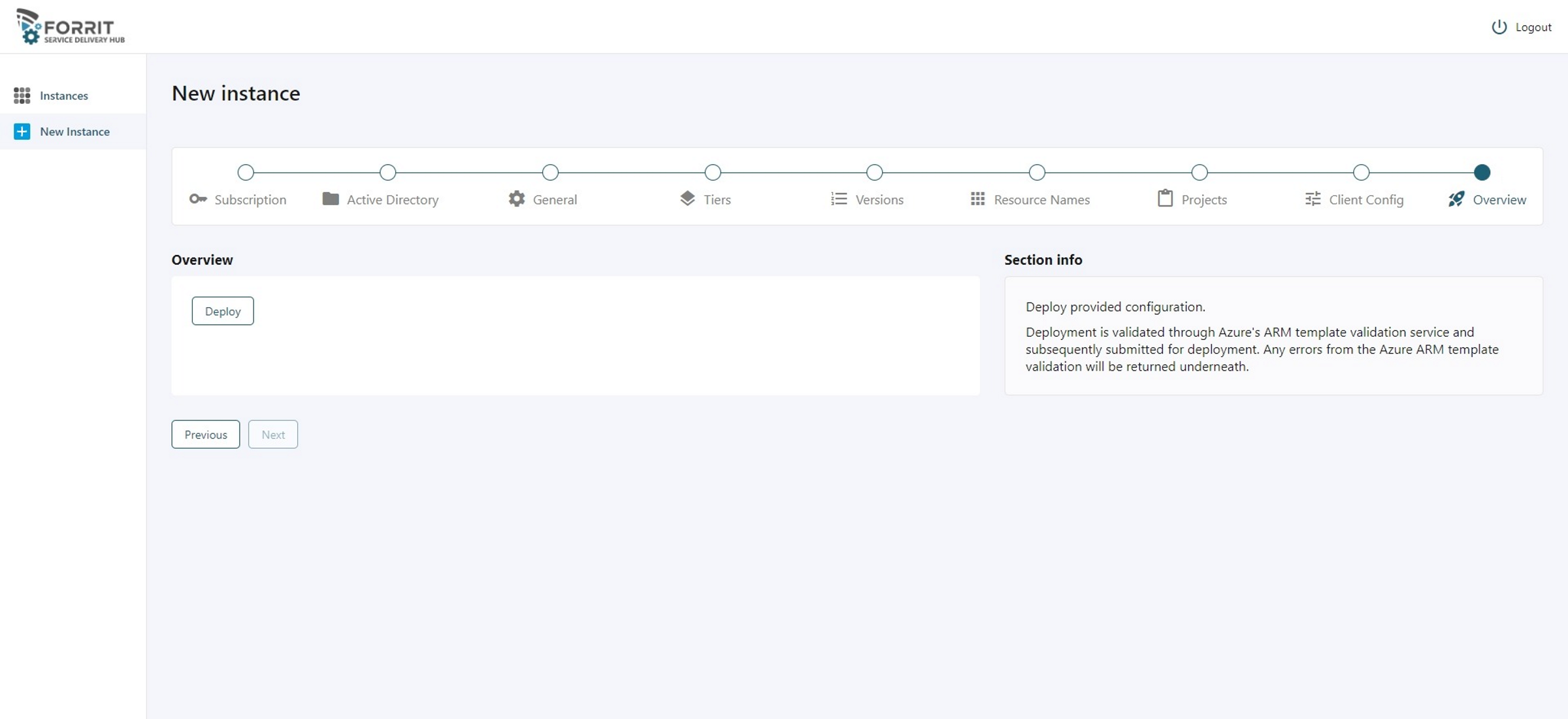
Deploy provided configuration.
Deployment is validated through Azure's ARM template validation service and subsequently submitted for deployment. Any errors from the Azure ARM template validation will be returned here.