
If your CMS instance isn’t set up in Service Delivery Hub (SDH), you can instead retrieve the configuration information directly from Azure. However, using SDH is simpler and therefore is the recommended approach wherever possible.
Tenant ID
-
Azure Portal → Services → Microsoft Entra ID
-
Note the ID of the tenant your resources are deployed to
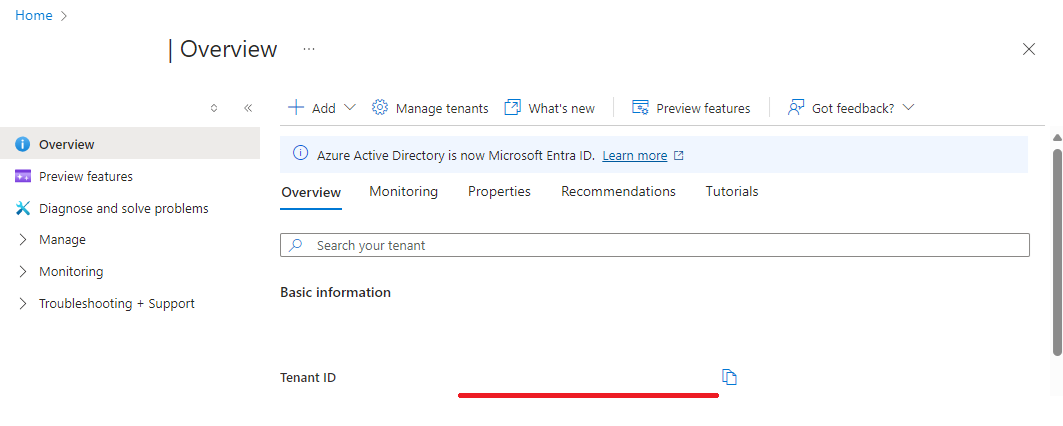
Azure Entra ID overview
-
Consumer key
-
Azure Portal → Azure services → SQL databases → <your Project database> → Query editor
-
In the
ConsumerApptable, note the ID of the Consumer Application you published your content to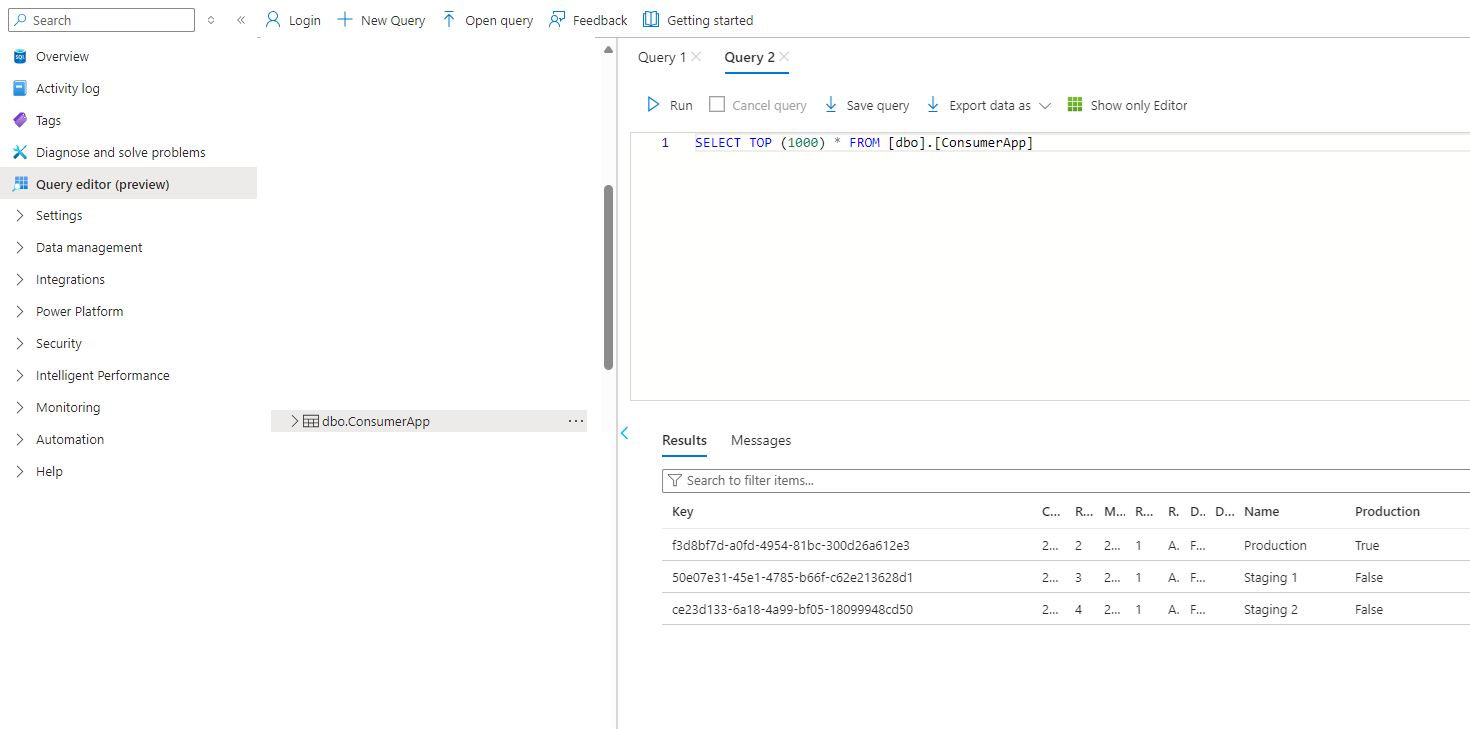
The ConsumerApp table in the Project database
-
Service Bus namespace
-
Azure Portal → Azure services → Service Bus → <your Project Service Bus>
-
Note the host name of the Service Bus
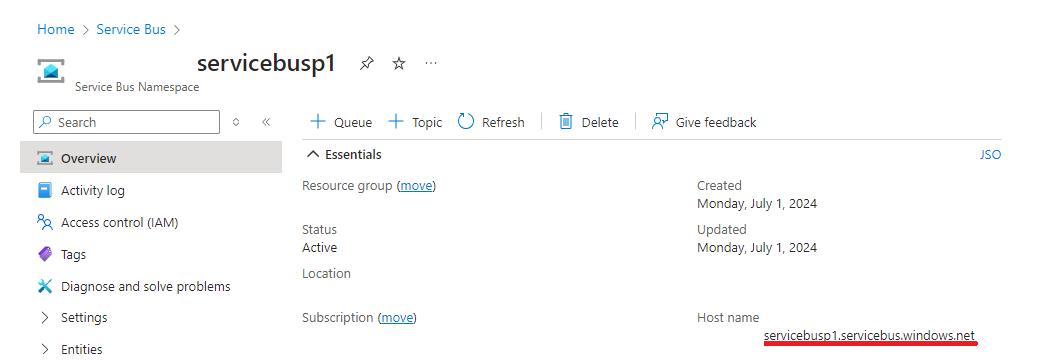
The Project Service Bus overview
-
Releases SAS URL
Go to Azure Storage Explorer → Storage Accounts → <your Project storage account>.
Generate Shared Access Signature URLs for the ManifestReleases table (you only need query access)
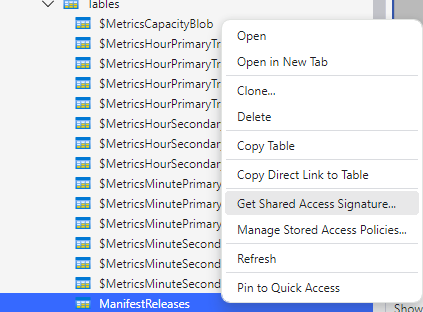
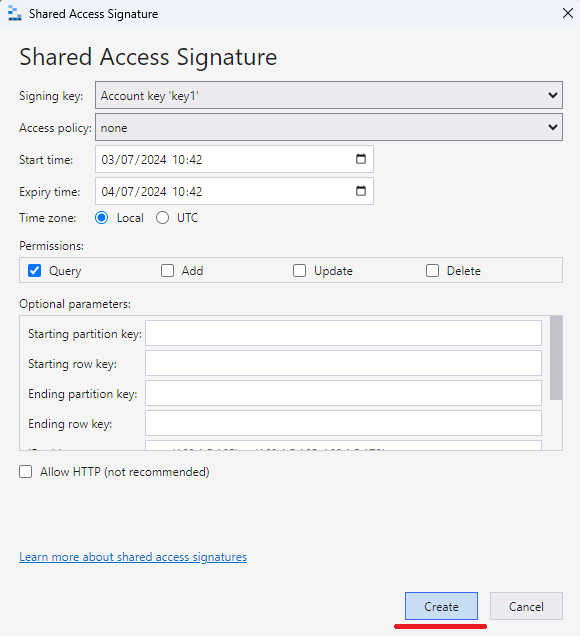
Note the generated URL.
Manifests SAS URL
And again for the manifests-<consumer app id> container (you only need read/list access)
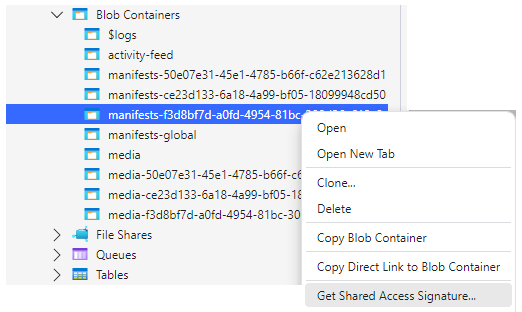
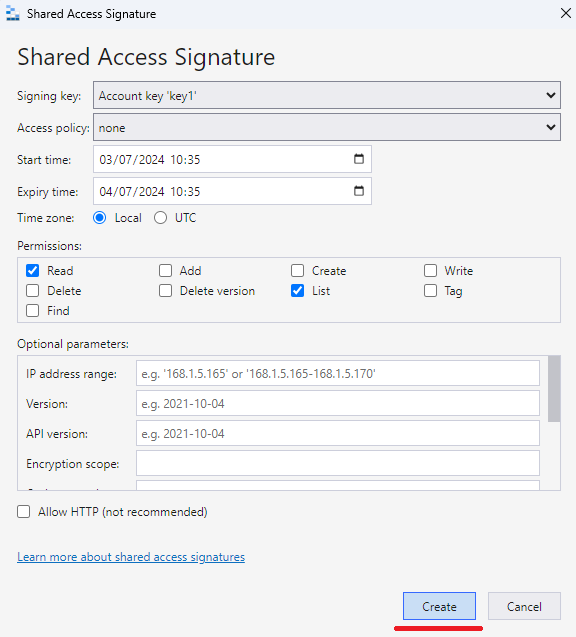
Note the generated URL.
Outcome
That’s it. That’s all the information you need to configure your Consumer App and start retrieving content.