👥 User Journey
Editing the Content Items of Components that are slotted into Component Templates is just the same as normally Editing Page Content, except visually – the slotted Components are shown hierarchically underneath the owning Component Template.
Visual Differences in the Page Editor
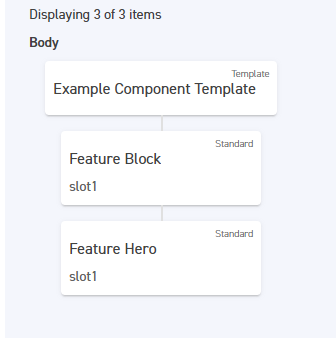
Slotted Components are connected by a line to the Component Template, are narrower in width, and include the name of the slot they have been inserted into, as so:
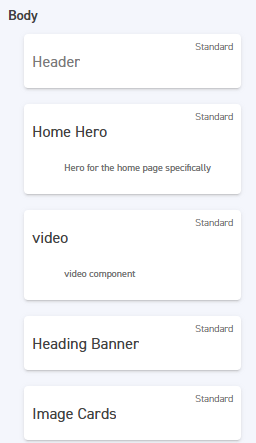
Rather than, with regular Components only: